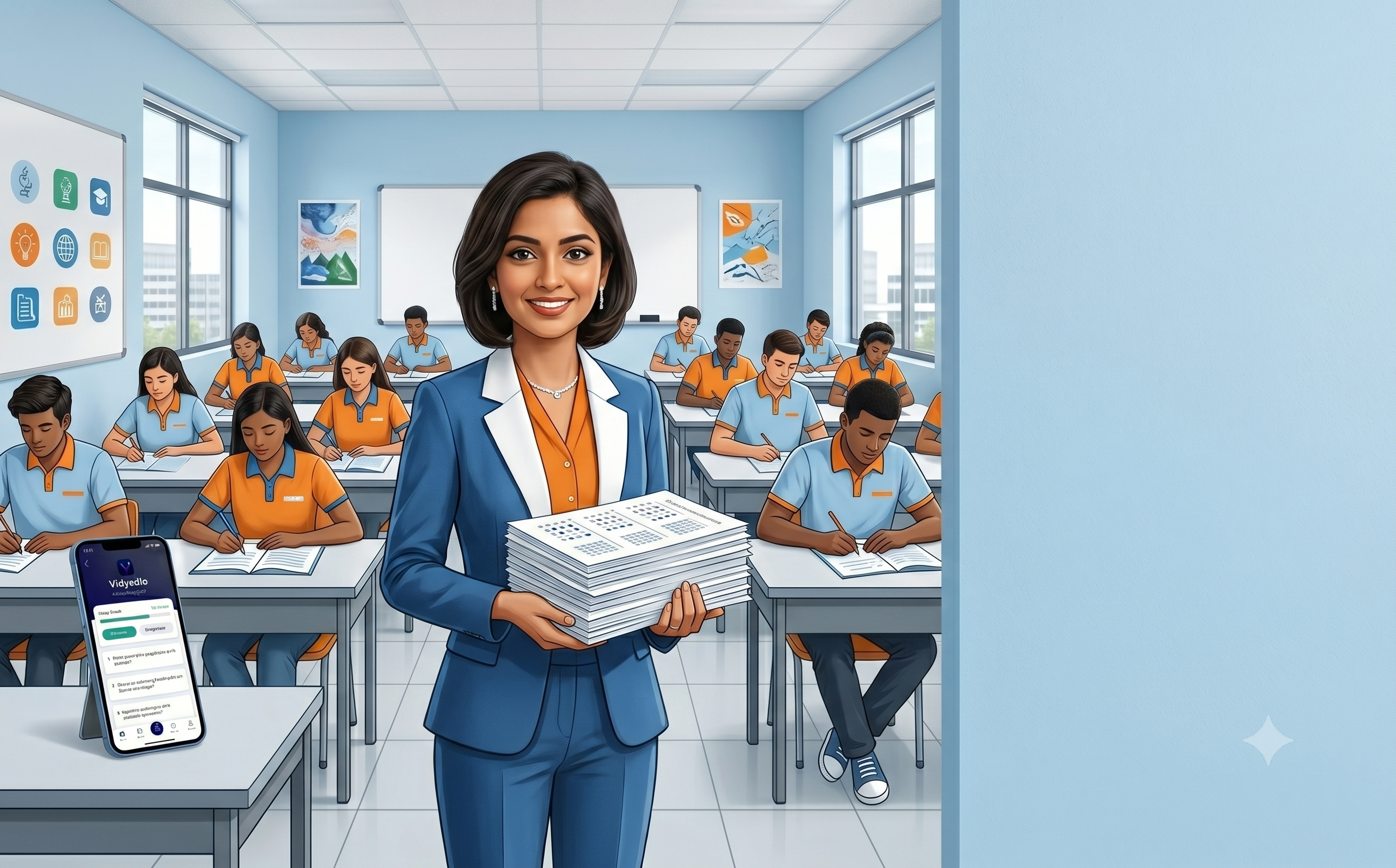
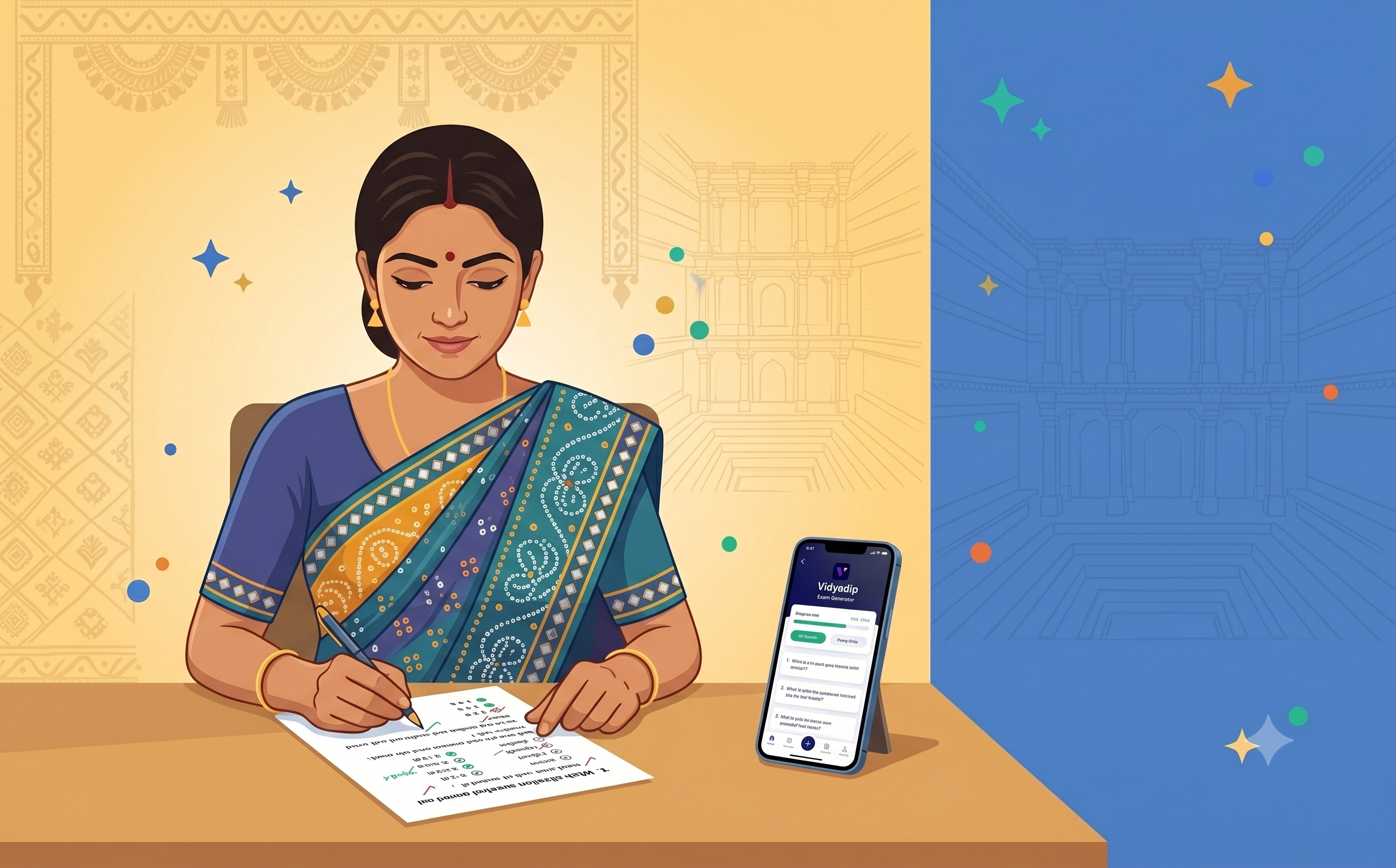
Multiple choice questions are easy for students to attempt and fast to mark — which is why MCQ papers are a staple of class tests, unit tests and revision assessments at every level. What is not fast is writing those questions by hand. A good MCQ generator for teachers solves that problem, but not every tool does it the same way. Here is what to look for and how to use one well.
What a good MCQ generator actually does
The core job of an MCQ generator is to give you ready-to-use multiple choice questions with four options and a correct answer — without you having to write the question, craft the distractors or check against the syllabus yourself. The best tools do this from a verified, syllabus-mapped question bank rather than generating questions from AI on the fly.
AI-generated MCQs can look plausible but contain factual errors or options that are ambiguous. A question bank built by subject experts and mapped to a specific board and class gives you confidence that the question and answer are accurate before the paper goes to students.
What to look for in an MCQ generator for teachers
- Board and syllabus alignment — does it support your board (CBSE, ICSE, state boards) and your class?
- Difficulty levels — can you filter to easy, medium or hard MCQs separately?
- Verified answer keys — is the correct answer reviewed, or AI-guessed?
- Volume and variety — is the question bank large enough that your students won't see repeats?
- Export to PDF — can you print and hand out the paper directly?
- Branding — can you add your school name and logo?
How Vidyadip generates MCQ papers
In Vidyadip, MCQ generation starts with the blueprint. You pick your board (from CBSE, ICSE, Gujarat, Maharashtra and 16+ others), then the class (1-12), subject and chapter. You then set how many MCQs you want, at what difficulty, and for how many marks. That is the blueprint.
- Select board, class, subject and chapter
- Choose MCQ as the question type and set difficulty and marks
- Auto-generate a full MCQ paper or hand-pick each question
- Add branding, export as a print-ready PDF with the answer key
A question bank of 24 lakh+ questions means you can generate a fresh MCQ paper for the same chapter every week without any repeats.
MCQs with the right difficulty spread
One of the most common mistakes in MCQ paper design is a lopsided difficulty spread — either too easy (no discrimination between students) or too hard (demoralising). With Vidyadip's difficulty filters, you can explicitly split your paper: for example, 40% easy, 40% medium and 20% hard, pulling each group from the question bank separately.
Multiple shuffled sets for the exam hall
For MCQ papers in particular, copying is a real concern when students sit in rows. Vidyadip lets you generate multiple shuffled versions of the same paper — same questions, different order — so students seated next to each other have different answer sequences. One click, no manual rearranging.
Beyond MCQs: mixing question types in one paper
Most board assessments are not pure MCQ papers. Vidyadip lets you combine MCQs with short answer, long answer, HOTS and case study questions in a single paper — each section with its own marks, difficulty and chapter coverage. So the MCQ generator is also your full question paper generator, in the same workflow.
Getting started
The first 3 chapters of every subject are free, no signup needed. Download Vidyadip, pick your board and class, generate an MCQ paper, and hand it out in the same session. If the paper takes more than a few minutes to set up, switch to auto mode — it assembles the paper in one step from your blueprint.